
Step by step
How Nearvy works
Nearvy is a free iOS and Android app for meeting people nearby through small real-life plans: a walk, a coffee, a sunset, a brunch. No swiping and no ticket sales, just people around you who are up for something today.
See what is happening around you
Open the map and you see walks and events that are live right now, each with the person who started it and how far away it is. Pins are plans, not people’s locations.
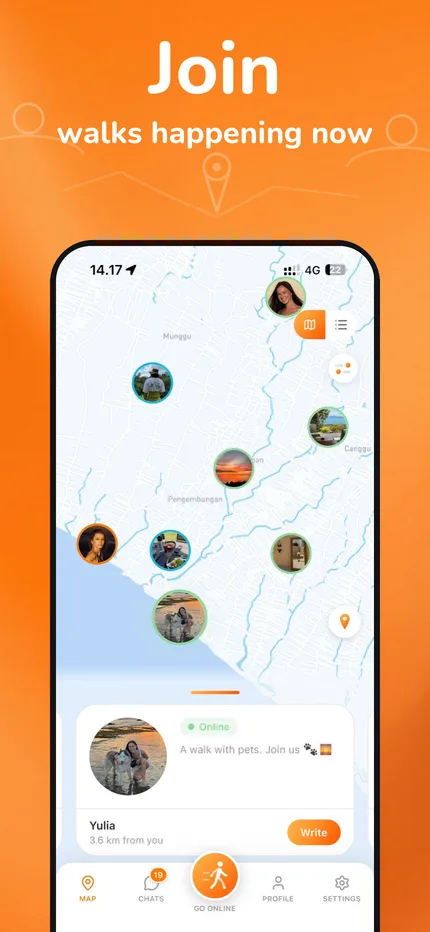
Browse events nearby today
Switch to the list to see events and walks close to you: a brunch in Canggu, a sunset walk, a coffee with new people. Every event shows the host, the distance, and whether it has already started.
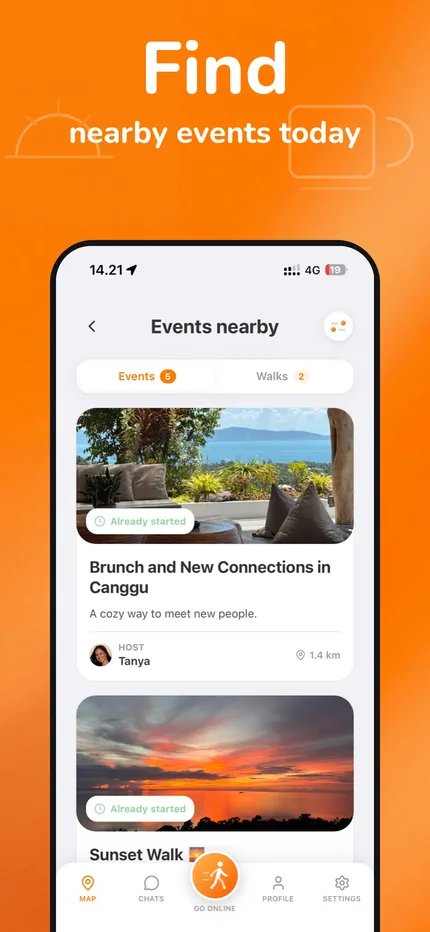
Start your own plan in seconds
Go online, write one line about what you are up to, and your walk appears on the map for people around you. Organising something bigger? Create an event with a time and a place.
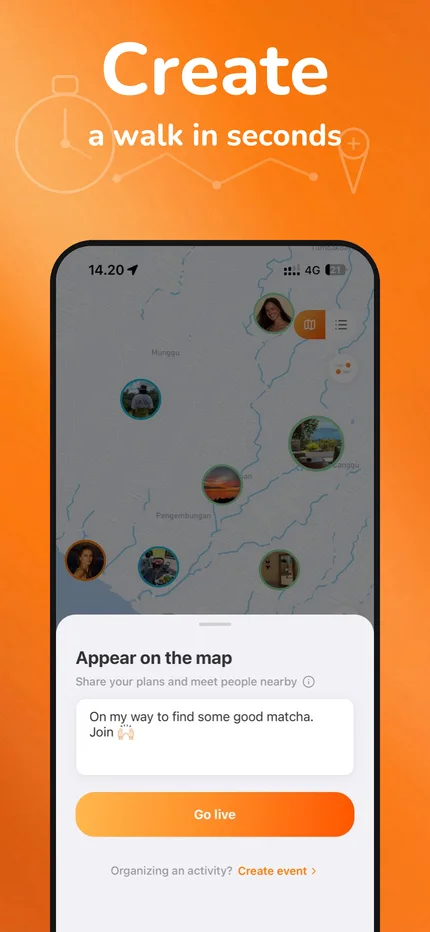
Choose who joins
Joining is request-based. People ask to join your plan with a short message, and you accept or decline. Nobody gets into your chat without your yes.
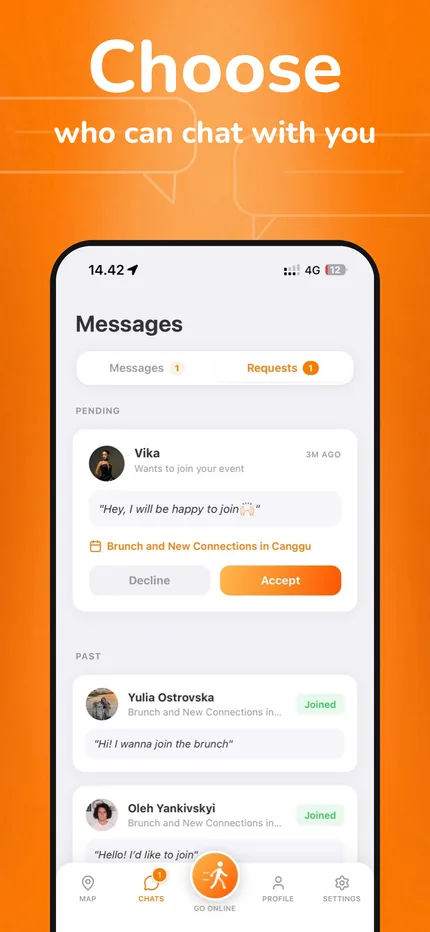
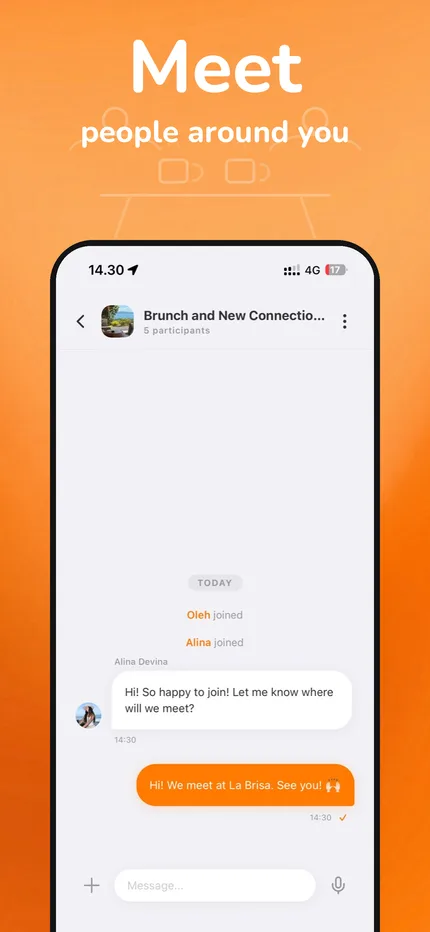
Agree on the details and meet offline
Once accepted, everyone lands in the event chat to agree where and when to meet. Then you put the phone away and meet in real life.


What makes Nearvy different
- Plans, not profiles. You meet around something to do today, not around a feed of photos.
- Nearby by design. Everything you see is within reach of where you are right now.
- Request-based joining with report and block controls in the app. You decide who you meet.
- Free to use. Creating plans, requesting to join, and chatting after acceptance stay free; Nearvy Plus is an optional extra.
Common questions
Is Nearvy free?
Yes. Nearvy is free to download on iOS and Android. Creating events, requesting to join, and chatting after acceptance stay available without paying. Nearvy Plus is an optional subscription; its benefits and price are shown in the app before you buy.
Is Nearvy a dating app?
No. Nearvy is for meeting people through shared plans: walks, coffee, sport, brunches, events. People join a plan by request, and the host decides.
Where does Nearvy work?
Anywhere. The map shows what people near your location have created, so what you see depends on where you are and who is active around you.
Does Nearvy show my location?
The map shows events and walks, not people as live location pins. A walk you start appears with the plan you wrote and an approximate distance for people nearby.
How do join requests work?
Tap Join on a plan and add a short message. The host sees the request and accepts or declines. Event chat opens after acceptance so participants can coordinate before meeting.
What if someone behaves badly?
Report a person or event from their profile or the event details, and block people you do not want to see; blocked people are hidden from each other. The Safety page has practical advice, and Support can help.
Which phones does Nearvy support?
Nearvy is available for iPhone on the App Store and for Android on Google Play.